Why do AI portraits look fake ? how to get realistic results

You’ve probably tried using artificial intelligence to transform your photos, describing the result you want, whether it’s a simple retouch or a more creative transformation. The result is almost instant! However, the AI portrait you get can sometimes look surprisingly different from the original : the likeness is only approximate, the hands look strange, or the eyes seem different. The image may look attractive, but something just doesn’t feel right.
These imperfections are common. At first glance, AI can seem magical : it transforms your photo in seconds and can reproduce a wide range of styles. But it has its limitations and can't always guarantee a faithful portrait of the person depicted.
Why do these anomalies occur ? Can a better prompt fix them ? Here are some pointers to help you understand the limitations of AI, along with our tips for achieving a result that stays closer to the original.
Why do AI-generated portraits often look fake ?
Generative artificial intelligence is trained on vast amounts of data, including images. When it transforms a face, it draws on the visual features it has learnt to create a new image based on your photo and instructions. However, it does not truly understand the identity of the person depicted, nor does it necessarily preserve their distinctive features. The result may look realistic while still bearing little resemblance to the person in real life.
AI capabilities are impressive, but they aren't magic. Certain imperfections occur repeatedly, explaining why an AI portrait can lack realism. Three types of flaw are particularly common :
Distorted hands and inaccurate anatomical details
Anatomical errors are among the most common issues. Hands are some of the hardest elements for AI image generators to get right. Depending on the complexity of the pose, fingers may be too long or duplicated, or the hand may appear misshapen.
Other details can also differ from reality, including the alignment of the teeth, jewellery, the shape of the nose and the contours of the face.
> AI aims to produce a perfect, coherent result, but it can alter certain features so much that the person’s likeness is compromised.
Overly smooth skin and lifeless eyes
A plastic-like appearance is another common giveaway. AI tends to smooth the skin and make it look uniform, removing imperfections, pores, scars and moles.
The same can happen to hair, which often looks unnaturally neat. The eyes may also lack a natural appearance: reflections, pupil direction and even eye colour can differ from the original photo.
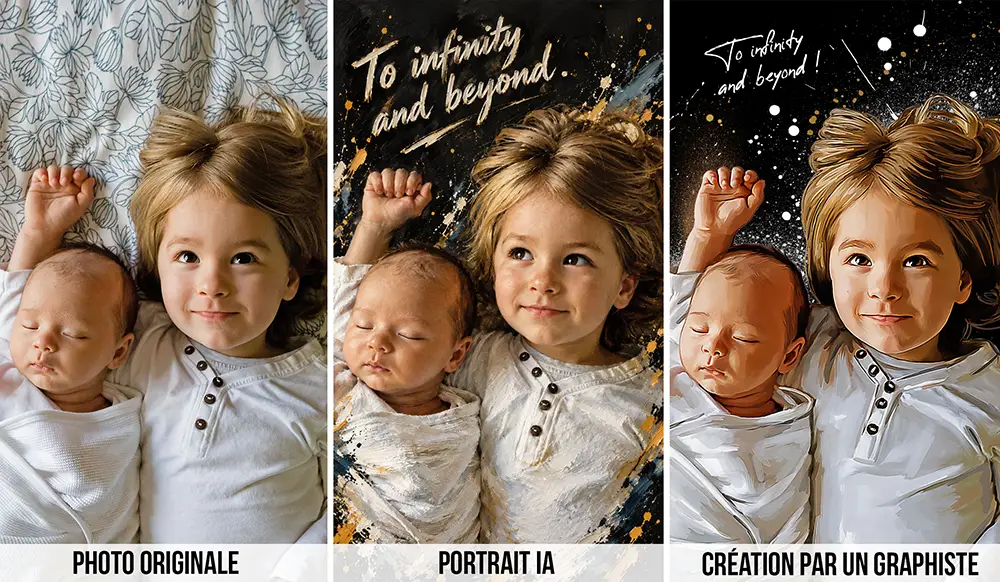
> An illustrated face doesn't have to be perfect. Above all, it needs to preserve the features that make a person recognisable.
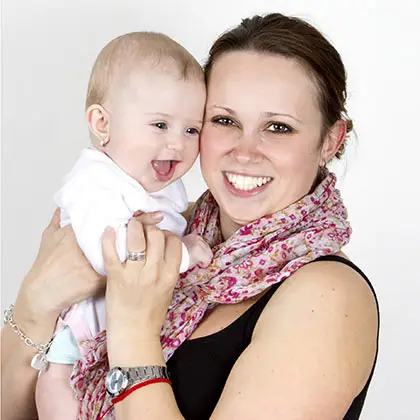
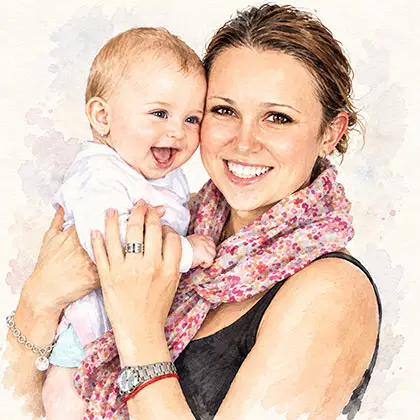
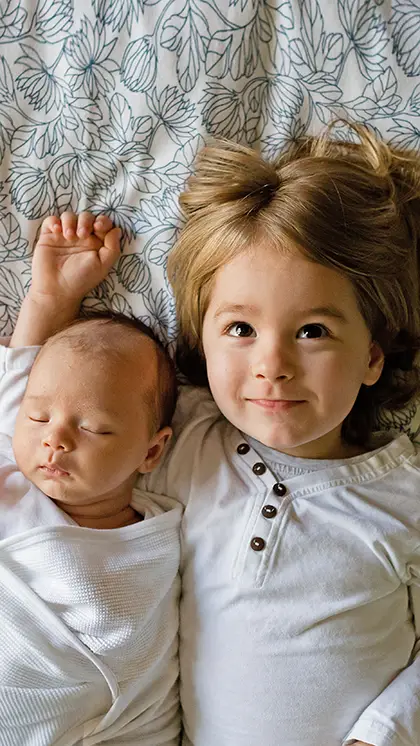
>We asked AI to transform a photo into a watercolour painting. The image generated by ChatGPT displays several characteristic flaws : an extra finger, a face that has been made too slender, erased moles, a different alignment of the teeth and a baby looking in a different direction. The watercolour effect is also too subtle and mechanical. The result looks attractive, but the people depicted are not entirely recognisable.


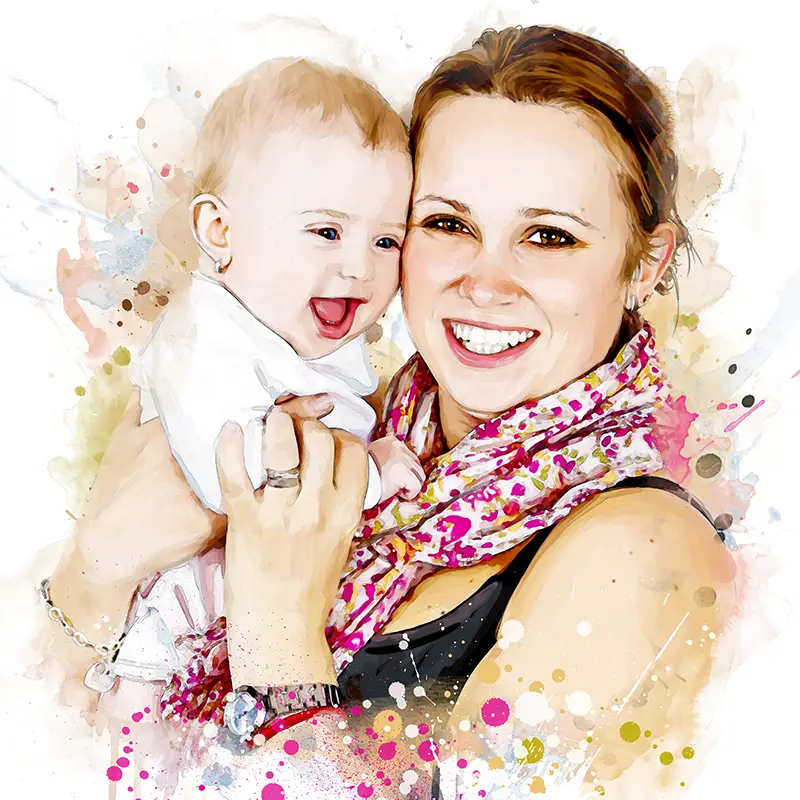
> For comparison, here is the same photo rendered in watercolour by a professional illustrator.

Inconsistent lighting and shadows
Lighting plays an essential role in making a portrait look realistic. However, an AI-generated image can contain inconsistencies: a face lit from one side with a shadow falling in the wrong direction, excessively sharp outlines, or hair that appears to separate artificially from the background.
The colour of the face may also clash with the lighting and the tones of the surrounding environment.
How can you spot and check an ai-generated photo ?
Have you ever come across a photo online and wondered whether it was fake ? Certain clues can help you assess an image and determine whether it may have been generated by AI :
- Hands and fingers : check their number, position and joints.
- The face : look for excessive symmetry, unusually uniform skin or unnaturally regular teeth.
- Reflections and shadows : check that they are consistent with the lighting in the scene.
- Details : objects, jewellery and glasses may be distorted.
- Text: writing on clothing, signs or objects may be illegible.
- Textures: an overly uniform texture or elements that appear to melt into one another may raise suspicions.
> Bear in mind, however, that none of these clues alone proves that an image is artificial. Edited photographs can also contain anomalies, while a carefully produced AI image can look highly convincing. AI detection tools are not infallible either.
Can you improve an AI portrait ? tips that really help
Here are some basic tips for getting better results when generating an AI portrait. They can help reduce flaws, but they cannot guarantee a perfect likeness.
Start with a good original photo
Choose a sharp, high-resolution image in which the subject is clearly visible and well lit. The smaller or less detailed the face is in the original image, the more likely AI is to interpret its features inaccurately.
The extent of the transformation also matters. The greater the change in style or pose, the harder it may be to preserve the person’s likeness.
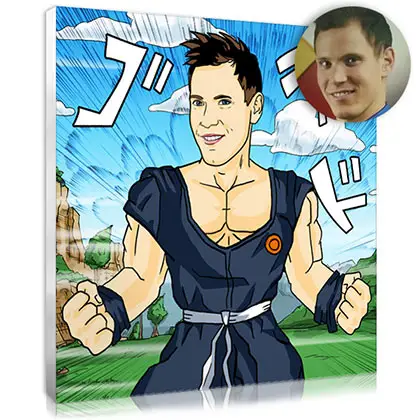
> For example, turning a traditional portrait into an illustration of someone in the middle of an action scene may produce a well-drawn body but a face that looks less like the original.


Write a precise prompt
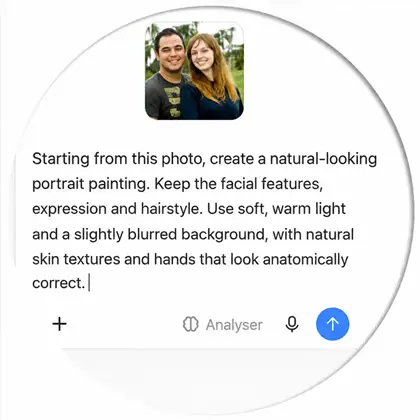
>What is a prompt ? A prompt is a descriptive piece of text that tells an AI tool what kind of image you want. You can also provide photos to guide the software towards your desired result. You can even ask ChatGPT or another AI assistant to write your prompt for you !
To avoid unpredictable results, make sure your prompt specifies the following :
- The subject : an individual portrait, a couple, a family or a pet.
- The style : pencil drawing, oil painting, realistic illustration or colourful artwork.
- The lighting : soft and natural, or dark and high-contrast.
- The framing : close-up, head-and-shoulders portrait or full-length portrait.
- The features to preserve : face shape, eye colour, hairstyle and expression.
- The flaws to avoid : extra fingers, distorted gestures, artificial-looking hair or overly smooth skin.
Retouch the image after generation
Retouching can correct a poorly drawn finger, reduce the overly smooth appearance of the skin or restore certain details. However, it may take several attempts, and editing one small area can unintentionally alter other parts of the face.
> The key is to work in stages: request a specific adjustment, then check the result.
Accept the limitations of facial likeness
Even with a high-quality photo, a precise prompt and several attempts at fine-tuning, results can still be unpredictable. Sometimes, AI simply does its own thing! Your instructions may be ignored, or the flaws may become even more pronounced as you request further changes. If your goal is to create a fun illustration or an original avatar, that may be perfectly acceptable.
> But if you want to preserve the features of someone close to you for a personalised photo gift or a picture you intend to keep for years, you may be disappointed.
Photo retouching, AI or a professional illustrator : what's the difference ?
Depending on what you want to achieve, you have several options : use an online photo-editing tool, turn to generative AI or entrust your photo to a professional illustrator. Each approach serves a different purpose.
| Criteria | Photo retouching | AI generation | Portrait by a professional illustrator |
|---|---|---|---|
| Purpose | Correct an existing image | Correct an existing image | Create a custom portrait from a photo |
| Likeness | Generally preserves the features in the photo | May alter certain features | Features and expression are carefully refined |
| Realism | Depends on the edits | Varies depending on the tool and instructions | May be more or less stylised, while remaining faithful to the subject |
| Control over details | Precise with the right tool | Sometimes unpredictable | A professional makes adjustments until you are satisfied |
| Speed | Often quick | A few seconds | One to several hours, depending on the request |
| Cost | Free versions are available, although some features require payment | A few free attempts per day or a paid subscription | A paid service covering creative time, artistic expertise and retouching |
| Best use | Improving a photo | Experimenting and exploring ideas | Getting a personalised portrait for yourself or as a gift |
What AI does well
Artificial intelligence is a useful tool for experimenting and exploring ideas. It can help you imagine different backgrounds or reproduce several styles quickly. It is accessible and fun to use, allowing you to create images easily without any graphic design skills.
What only a human eye can bring
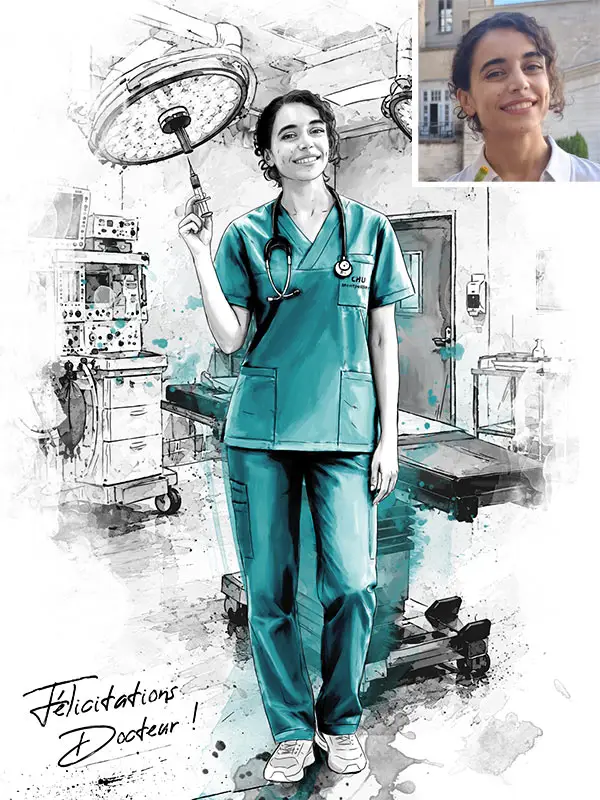
A professional illustrator studies the photo and identifies the features that make the person distinctive. The aim is not simply to transform the image into something attractive: it is to find the right balance between the chosen style, the person’s likeness and the emotion conveyed by the portrait. An illustrator can also prepare a high-resolution file suitable for printing, helping to ensure a high-quality result.


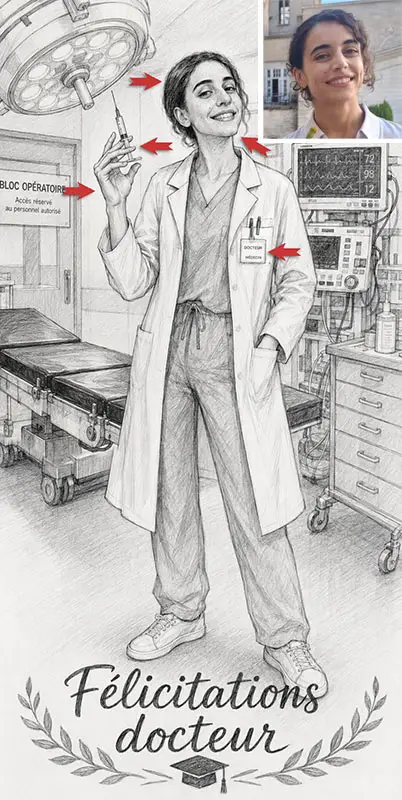
The AI-generated image may look attractive at first, but a closer look reveals several typical flaws :
- Face : a different head position, a pointed chin, a coarse-looking nose, and altered eye shapes and gaze direction.
- Hair excessively smooth.
- Incorrect anatomical proportions : the face is larger than the body, or the hand is too big.
- Hand : distorted, with fingers that are too long and do not hold the syringe properly.
- Text : unnecessary, unrequested wording added to the image, for example on a lab coat.
Not satisfied with your AI portrait ? You can entrust your photo to Claire for a bespoke, custom illustration that preserves your likeness, created using her artistic skills and digital drawing tools.

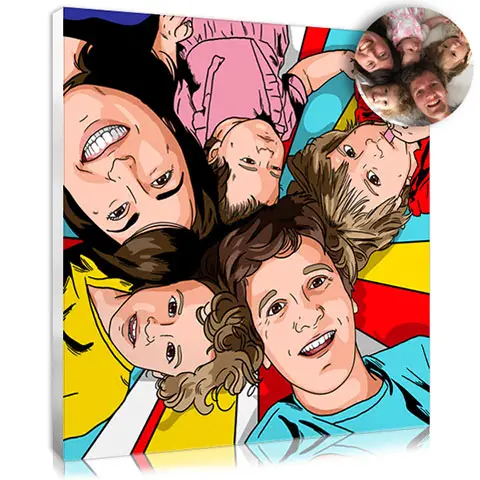
An original Pop Art creation featuring bold, vibrant colours

Give your photo an artistic touch without losing what makes it recognisable.
A portrait created by Claire : the human touch
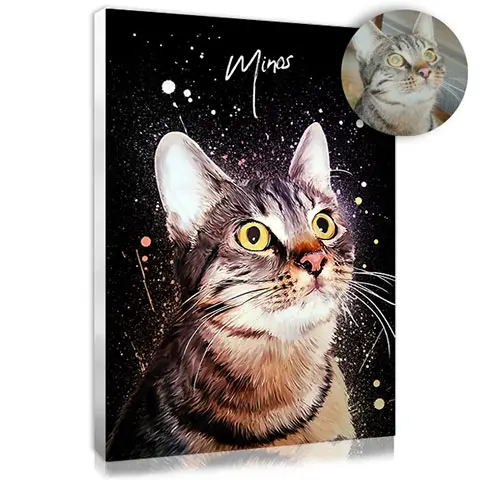
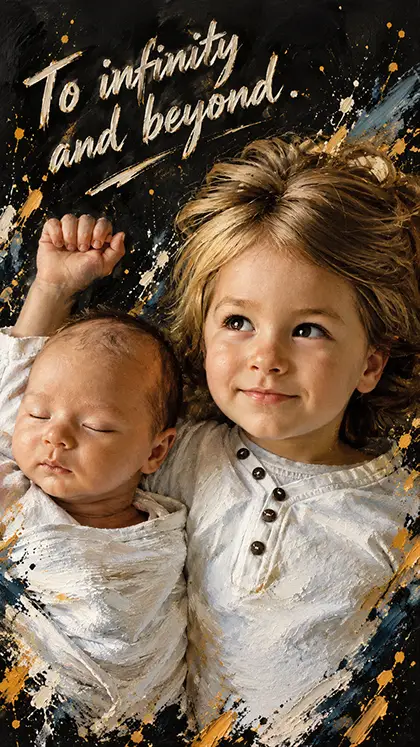
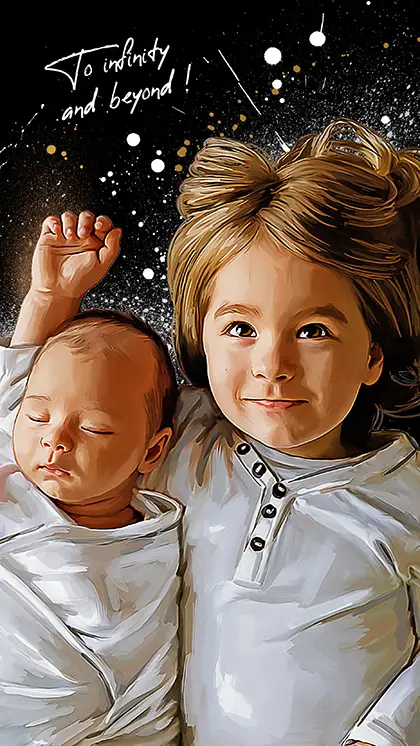
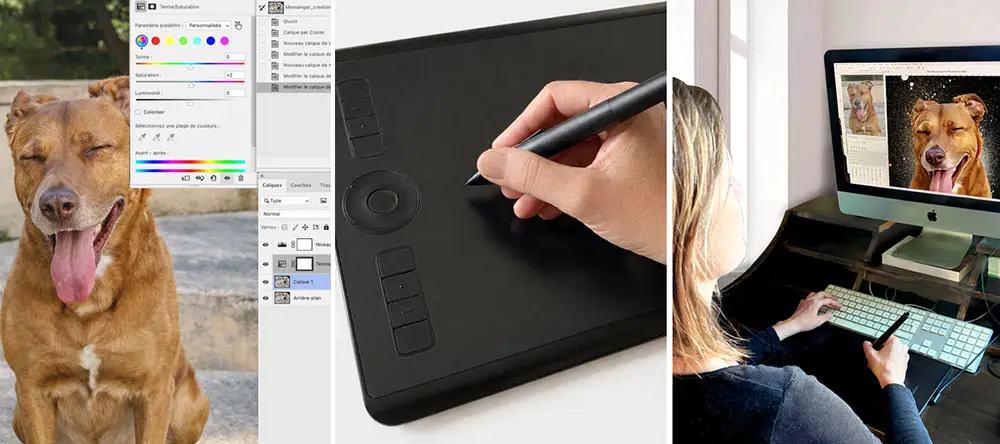
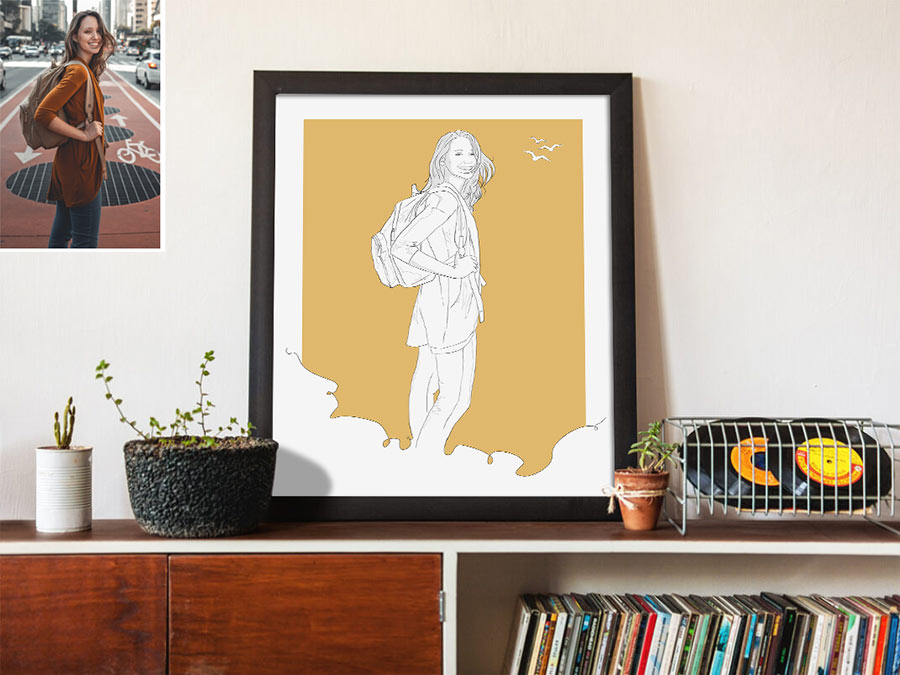
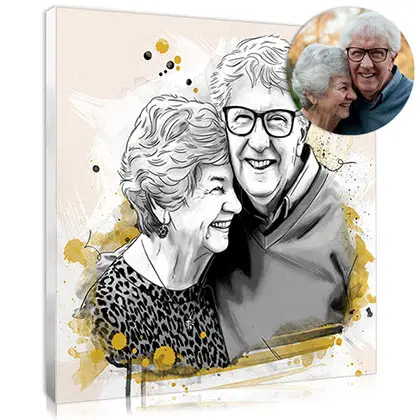
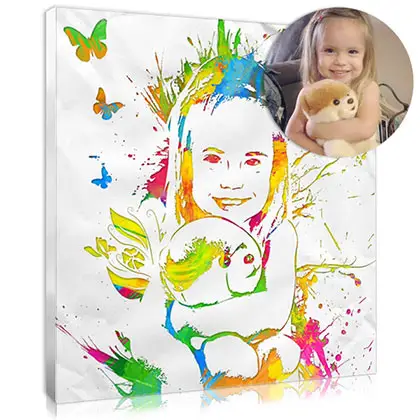
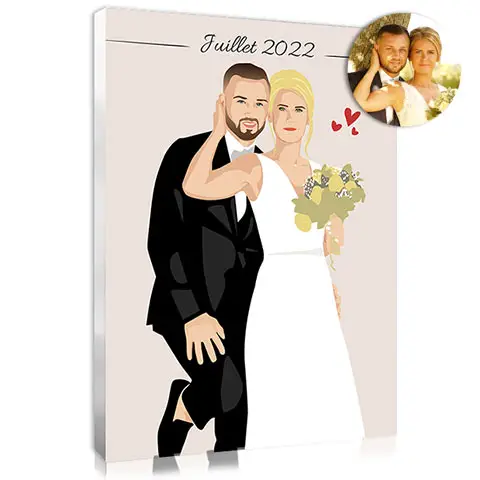
At Votreportrait.fr, Claire, a trained illustrator, creates custom portraits from her clients’ photos. Her work isn't simply a matter of applying an automatic filter. She builds each illustration using her digital drawing tools, redrawing the structure of the face and carefully working on the shadows and expressions. The aim is to preserve the features that make each face recognisable while transforming it into the chosen artistic style.
"Nothing replaces the pleasure of creating and taking the time to bring out the emotions in a photo, revealing the little details that give a portrait its unique personality."
A faithful likeness
Every portrait is created from your photo, rather than from an average of facial features. Claire uses your image as the basis for capturing the details that preserve your likeness, including your gaze, face shape and expression.
To get an idea of what is possible, take a look at examples of portraits created for our customers.


An artwork that doesn't look AI-generated
Your individual features and imperfections are part of what makes you beautiful. An illustration doesn't have to be perfect in a purely computer-generated sense. Nuances, textures, variations in lighting and distinctive details all contribute to its authenticity.
Through hands-on illustration and careful attention to detail, Claire can refine the result to avoid the overly smooth or impersonal effect that can occur with an AI portrait.
Would you like to discover how our portraits come to life ? Take a look behind the scenes of our handmade creative process and explore the stages of this craft, in which every image receives individual attention.

Personalised support
After you place your order, Claire sends you a preview of your portrait by email. You can then request retouching to fine-tune the result. Revisions are unlimited, except when changing the photo or the style. This gives you the opportunity to work directly with the illustrator and refine your portrait until you are happy with the result..
> Not sure which portrait style to choose ? Feel free to contact us by email, Claire will be happy to guide you through the options !
What can you use a custom portrait for ?
A portrait based on a photo can serve many purposes : a birthday present, a thoughtful wedding gift, a family portrait, a tribute or simply a way to decorate your home. Printed on canvas or another suitable medium, it will find its place in your home and become part of your everyday life.

How do you order your portrait on Votreportrait.fr ?
The process involves just a few simple steps :
1. Choose your preferred style from the options available on the website.
2. Select your options on the product page, such as the print medium and the number of faces.
3. Upload your photo and complete your order.
4. Review your preview : Claire creates your portrait within one to two days and emails it to you for approval.
5. Request any adjustments you need until you are completely satisfied.
6. Receive your portrait on canvas or as a poster at your home within just a few days.
> The usual delivery time is around 7 to 8 working days, excluding weekends and public holidays and subject to possible transport delays. An express option can reduce the overall turnaround to 5 working days.
FAQ : AI and portraits
Can AI create a portrait that looks like the original person ?
Yes. Some AI assistants can produce very convincing portraits, especially when the source photo is high quality and the instructions are precise. However, the likeness is not always consistent, and certain details may change from one generation to the next.
Why are hands distorted in AI-generated images ?
Hands have many joints, overlapping fingers and a wide variety of possible positions. Image generators can misinterpret these details and produce anatomical errors, such as fingers that are too long or duplicated, incorrect proportions or misshapen hands.
How can you tell whether a photo was generated by AI ?
Zoom in on the details of the image and examine the hands, teeth, shadows, textures and background elements. This can make inconsistencies easier to spot. However, these clues are not definitive proof, and detection tools can also make mistakes.
Can you print an AI portrait on canvas ?
It depends on the size of the print you want. In general, AI-generated images may have insufficient resolution for high-quality printing, even at smaller sizes. Before ordering a print, check the pixel dimensions of the file and the resolution recommended by the printer. If necessary, upscaling and image enhancement may help improve the result.
What's the difference between photo retouching and portrait creation ?
Manual photo retouching involves correcting or improving an existing image according to specific instructions. Portrait creation by a professional illustrator combines artistic judgement, technical expertise and adjustments tailored to your preferences. This approach offers greater flexibility when it comes to meeting your requirements.
Artificial intelligence is a useful tool for exploring ideas and generating images, even if you have no graphic design skills. But when it comes to creating a faithful portrait with a natural, expressive appearance, the human touch makes all the difference. Distorted features, overly smooth skin, inconsistent shadows or an approximate likeness can quickly lead to disappointment.
At Votreportrait.fr, we take a different approach. Every portrait is created by hand by our illustrator, Claire, with particular attention to facial features and likeness. Your artwork is personalised and refined according to your requests to achieve a result that feels right for you.
“I ordered a portrait of our dog for my sister’s birthday, and the result was exactly what I had hoped for. The features were captured beautifully, with an expression very close to the photo I sent. I asked for a small change to the background colour, and it was done neatly. Receiving a proof before printing was reassuring. A gift that was a complete success!”
— Barthelemy, 12 August 2026
“Efficient and quick. Two small corrections were made straight away. Well packaged, and the parcel arrived within a very reasonable time. Perfect. This is the fourth time I’ve placed an order. Everything has always gone smoothly, and I’ve always been delighted with the result.”
— Valérie, 2 July 2026
“An excellent likeness and a very responsive illustrator when it came to the requested changes.”
— Adeline, 17 April 2026
For over 20 years, we have been developing a wide range of styles and putting our expertise to work to create personalised portraits for you.
> Discover more of Claire’s work, choose the style you love and order your own personalised picture. Your artwork will arrive within 7 to 8 days !
Share this content